心得
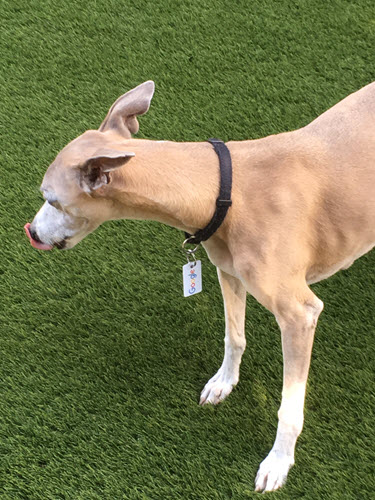
My first article
Hello World
我是阿柴
一級標題
二級標題
六級標題
- 阿柴
- What
- How
- What
- 阿喵
- Hello
- What
- are you
Hello
呈現的文字 #不用附檔名

同學你好,我找到解法了!原來 Hugo 原生是不支援數學式的寫法的,會需要額外補一些東西 ><
要麻煩同學複製下面這兩行程式,然後貼到 themes/liva-hugo/layouts/partials/footer.html 裡面(如圖一所示)
然後就可以在 markdown 文章裡面,使用 $$ 來寫數學式了(如圖二所示),運行結果如圖三所示
$$ MSE = \frac{1}{MN}\sum_{i=0}^{M-1}\sum_{j=0}^{N-1}\left|y[m,n]-x[m,n]\right|^2 $$
同學你好,我剛剛看了一下 liva-hugo 的原始碼,原因是因為 liva-hugo 強制把程式碼區塊設定成黑色導致的,所以同學只要把 themes/liva-hugo/assets/scss/templates/_main.scss 的 329 行「color: $text-color-dark;」刪掉就可以了,抱歉在課程中忽略了這一點,感謝同學的提醒!
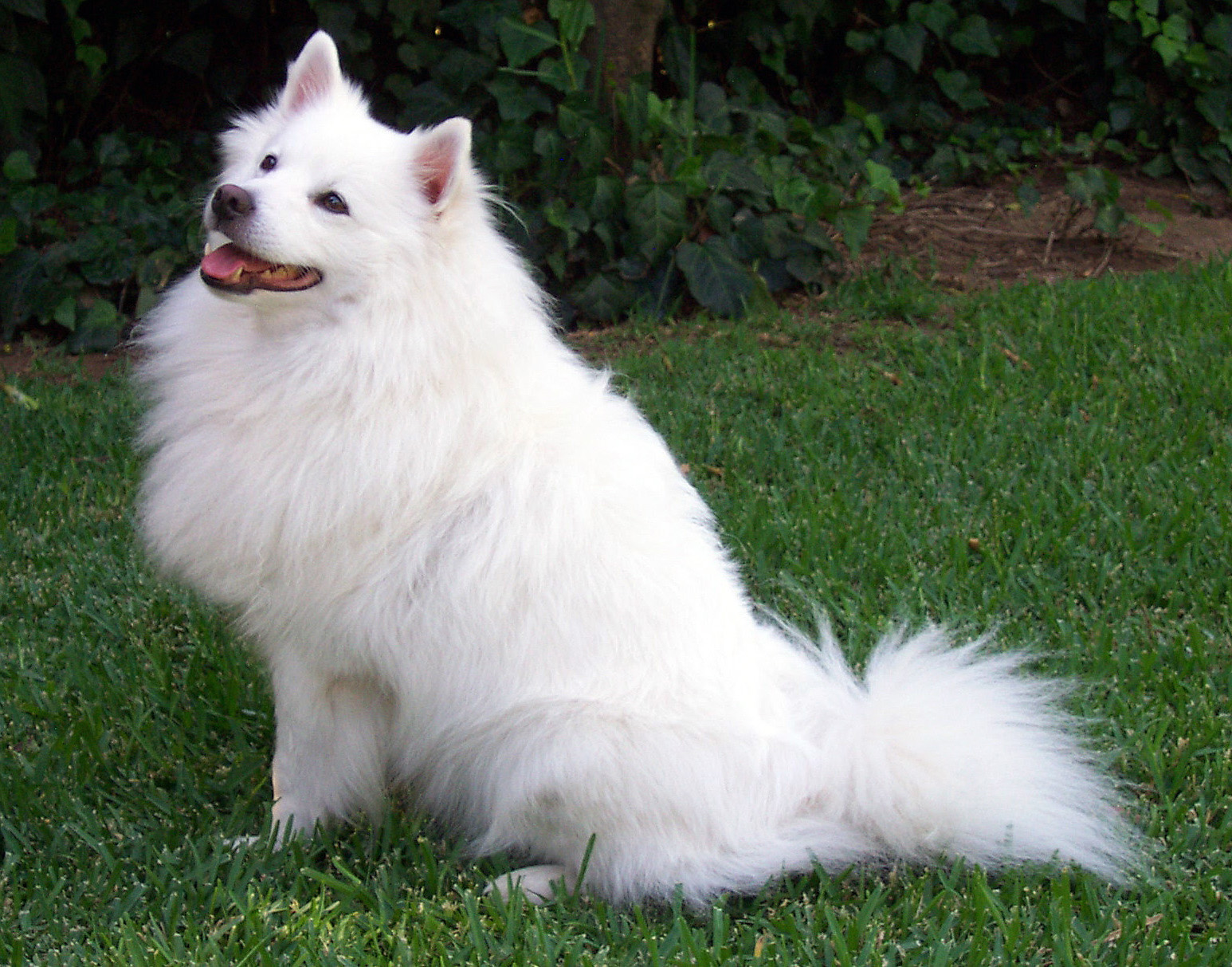
我喜歡阿柴 hello
print("hello world")
print("hello world")
print("hello world")
print("hello world")
print("hello world")
print("hello world")
python
print(“hello world”)
print(“hello world”) print(“hello world”) print(“hello world”) print(“hello world”) print(“hello world”)
| Tables | Are | Cool |
|---|---|---|
| col 3 is | right-aligned | $1600 |
| col 2 is | centered | $12 |
| zebra stripes | are neat | $1 |
| Tables | Are | Cool |
|---|---|---|
| col 3 is | right-aligned | $1600 |
| col 2 is | centered | $12 |
| zebra stripes | are neat | $1 |
Random Forest
-
原理
結合多棵CART tree,資料是隨機抽取而來的,讓訓練的結果可以更好(結合多個不同的決策樹),發揮三個臭皮匠勝過一個諸葛亮,團結力量大的精神 -
步驟
- 隨機選n個樣本,取出放回
- 取d個特徵,用這些特徵去分隔結點(node)
- 重複step1,2共k次,建立k個分類器,最後
-
要怎麼產生多個有差異的樹
- Bagging: 資料重複抽樣,取出放回,抽出K的樣本,訓練K個分類器,最後用K的分類器的結果投票做為最終結果
- Boosting: 與bagging類似,不過更強調把舊分類器的錯誤資料的權重提高
Youtube Shortcodes Example
這是一個文章範例
Twitter Shortcodes Example
So cute. pic.twitter.com/z969SX1Kmn
— Labrador Lover (@Labrador_lover1) October 11, 2022